AI Coding Tips · Claude Code · Security
AI Coding Tip #4: Make your agent scan dependencies before every push
· 3 min read
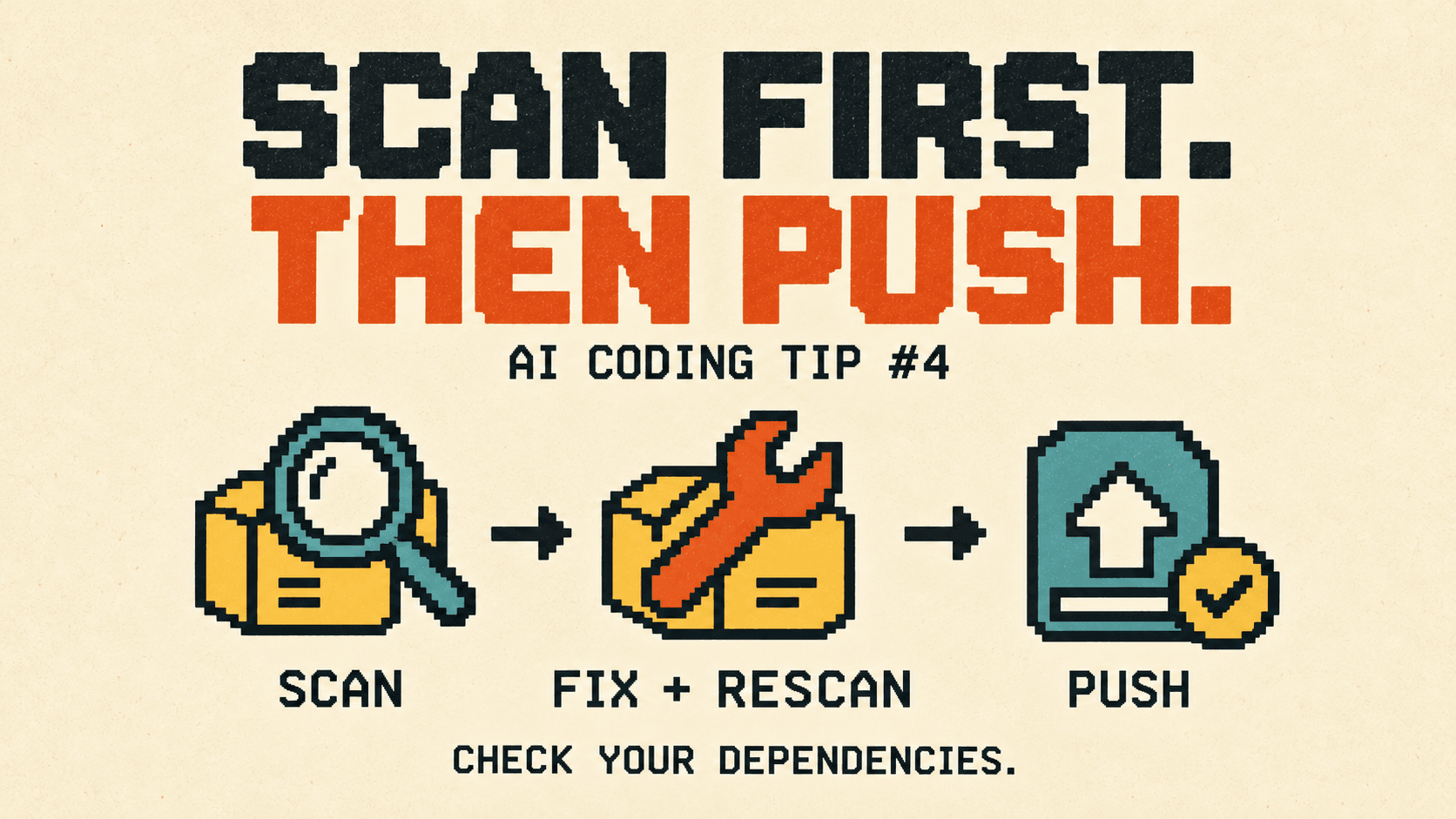
Coding agents install packages constantly. Each npm install can end with a line like this:
6 vulnerabilities (5 high, 1 critical)
The agent dutifully mentions it in its summary. You read "done", skim past the warning, and push. Nobody traces which packages it meant.
The problem
A warning in a summary is not a check. In one real case, a marketing site built with Next.js added two animation packages, and npm printed exactly that line. The agent reported it, and the work moved on. Three days later, a proper scan of the lockfile found:
- 11 known vulnerabilities across 3 packages
- 9 of them in the Next.js version serving production, 3 rated critical
- 10 of the 11 already fixed upstream, in patch releases of the same versions
The fixes were small. Nobody applied them, because nothing made the warning anyone's job, and the branch deployed to production on every push.
The fix: a scanner, a small upgrade and a rule
1. Scan the lockfile
OSV-Scanner is Google's open-source scanner. It checks every package in your lockfile against the OSV vulnerability database and tells you which version fixes each issue. There's no account to create.
brew install osv-scanner
osv-scanner scan source -L package-lock.json
The column that matters is FIXED VERSION. A version there means you can act now. -- means no fix exists yet.
2. Take the smallest upgrade that fixes it
Before:
| Package | Version | Issues | Fixed in |
|---|---|---|---|
| next | 16.3.1 | 9 (3 critical) | 16.3.8 |
| source-map-js | 1.2.1 | 1 high | 1.2.2 |
| braces (dev only) | 3.0.3 | 1 high | no fix yet |
After npm install next@16.3.8 and npm update source-map-js, the rescan lists only braces, a development-only package that has no fix yet.
Prefer the smallest version that clears the issue. Here, npm audit fix would have jumped Next.js a minor version and upgraded the ESLint plugin as well. Never reach for npm audit fix --force: it can make breaking upgrades, and even downgrades, to get there. Run your lint, type checks and tests after the upgrade, then scan again.
3. Make it a rule the agent reads
A one-off cleanup doesn't stop the next warning from scrolling past. Put the check in CLAUDE.md (or AGENTS.md), so it runs at the moments that matter:
- after any dependency change
- before any push to your production branch
- whenever someone asks "is this safe to push?"
Block the push on anything with a fixed version, and report the rest by package and advisory ID.
If your agent hands commits and pushes to a subagent, say that the main session runs the scan before it delegates. A subagent only knows what its brief tells it.
Test the rule
Rules that read well can still be ignored. Open a fresh session and give it an ordinary request that doesn't mention scanning:
Install the clsx package and tell me if the project is safe to push.It passes only if the agent runs the scan on its own and answers with the real output, not "looks fine". If it skips the scan, make the rule's wording more specific and test again.
Checklist
- OSV-Scanner installed, and the exact command written down
- Lockfile scanned after every dependency change
- Fixable issues upgraded with the smallest bump, then rescanned
- Lint, types and tests rerun after the upgrade
- Issues with no fix reported by package and advisory ID
- The rule in
CLAUDE.md, tested from a fresh session
See whether it's working
How do you know your agent's work is getting safer, not just faster? That's one of the things Vibemetric measures. It reads your Claude Code and Codex sessions on your Mac and scores how you work with the agent across 10 dimensions, including Security, which asks whether what the agent builds gets checked for security problems, and Orchestration II: Feedback Loops, which asks whether a result like a scan actually decides the next step. Each score cites the sessions behind it and comes with the exact fix. It rescores every day, so you can see the difference once the scan becomes a habit.