AI Coding Tips · Claude Code · Codex
AI Coding Tip #3: Split your CLAUDE.md by module for faster, more accurate agents
· 3 min read
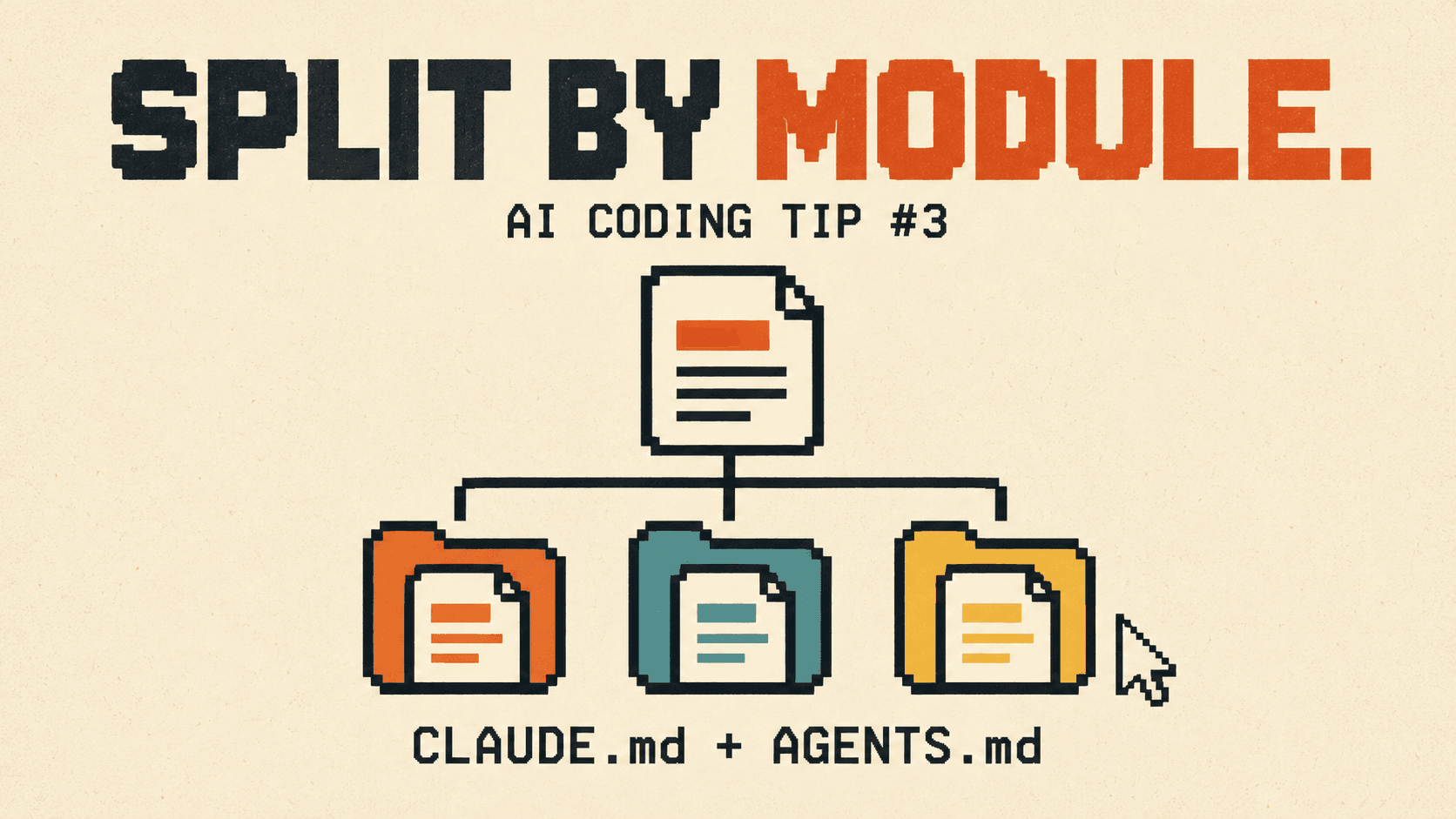
CLAUDE.md (Claude Code) and AGENTS.md (Codex) tend to grow one correction at a time. A few months in, a single root file can hold database migration steps, billing rules, UI conventions and release procedures, and all of it loads for every task, including a one-line CSS fix.
The problem
File length isn't the issue. Loading unrelated rules together is:
- Wasted context. A styling task doesn't need migration procedures, but it pays for them in tokens.
- Wrong work. An API-only check can look mandatory for a website change, and frontend and backend conventions can look like they conflict.
- Stale rules. Instructions that live far from their code are easy to forget when the code changes.
The fix: put instructions where they apply
Keep shared rules and a short module map at the root. Move everything else next to the code it covers.
Example
Before: one root file covers everything.
# CLAUDE.md
- Never commit secrets.
- Use pnpm, not npm.
- Website: use the type scale in tokens.css; no inline styles.
- API: every route needs an auth check; run pnpm test:api after changes.
- Database: create migrations with prisma migrate dev; never edit an applied migration.
- Billing: test webhooks with stripe listen; never use live keys locally.
After: the root keeps what's true everywhere, and each module owns its details.
project/
├── CLAUDE.md            Shared rules + module map
├── apps/web/CLAUDE.md   Type scale, no inline styles
├── apps/api/CLAUDE.md   Auth on every route, pnpm test:api
└── packages/db/CLAUDE.md  Migration rules
# CLAUDE.md (root)
- Never commit secrets.
- Use pnpm, not npm.
## Modules
- Website: apps/web/CLAUDE.md
- API: apps/api/CLAUDE.md
- Database: packages/db/CLAUDE.md
- Working on checkout or pricing? Also read apps/api/billing/CLAUDE.md.Now a website task loads the shared rules and the website rules, and nothing about migrations or billing. A checkout task follows the one-line route to the billing rules.
Three rules for splitting
- Don't shrink a rule's reach. A rule like "never commit secrets" applies everywhere, so it stays at the root. Before moving a rule, check every module it used to cover.
- Route, don't copy. When work crosses modules, add a one-line pointer to the owning module's file instead of duplicating its rules.
- Keep one copy for both tools. If you use Claude Code and Codex, keep the content in
AGENTS.mdand make eachCLAUDE.mda single line that imports it:@AGENTS.md.
Check what actually loads
Each tool decides which instruction files load based on where the session starts, so test it:
- Start a session inside a module folder and run
/memoryin Claude Code to see which files loaded. You should see the root file and that module's file. - Give it an unrelated task and confirm another module's rules didn't come along.
- Start one session from a nested folder too. A link that works from the root can fail deeper down.
Checklist
- Root file holds only shared rules and a module map
- Module details live next to their code
- Cross-module work has a one-line route
- No shared rule lost its reach
CLAUDE.mdandAGENTS.mdpoint to one copy- Loading tested from a module folder with
/memory
See whether it's working
How do you know your instruction files are helping, not just growing? That's one of the things Vibemetric measures. It reads your Claude Code and Codex sessions on your Mac and scores how you work with the agent across 10 dimensions, including Memory & Knowledge and Context Engineering, which look at whether your instruction files give the agent the right guidance for each task. Each score cites the sessions behind it and comes with the exact fix. It rescores every day, so you can see the difference after you split your files.